Features
Everything you need to track reimbursements: claims, transactions, matching, household sharing, documents, reports, and more.
Claims management and workflow
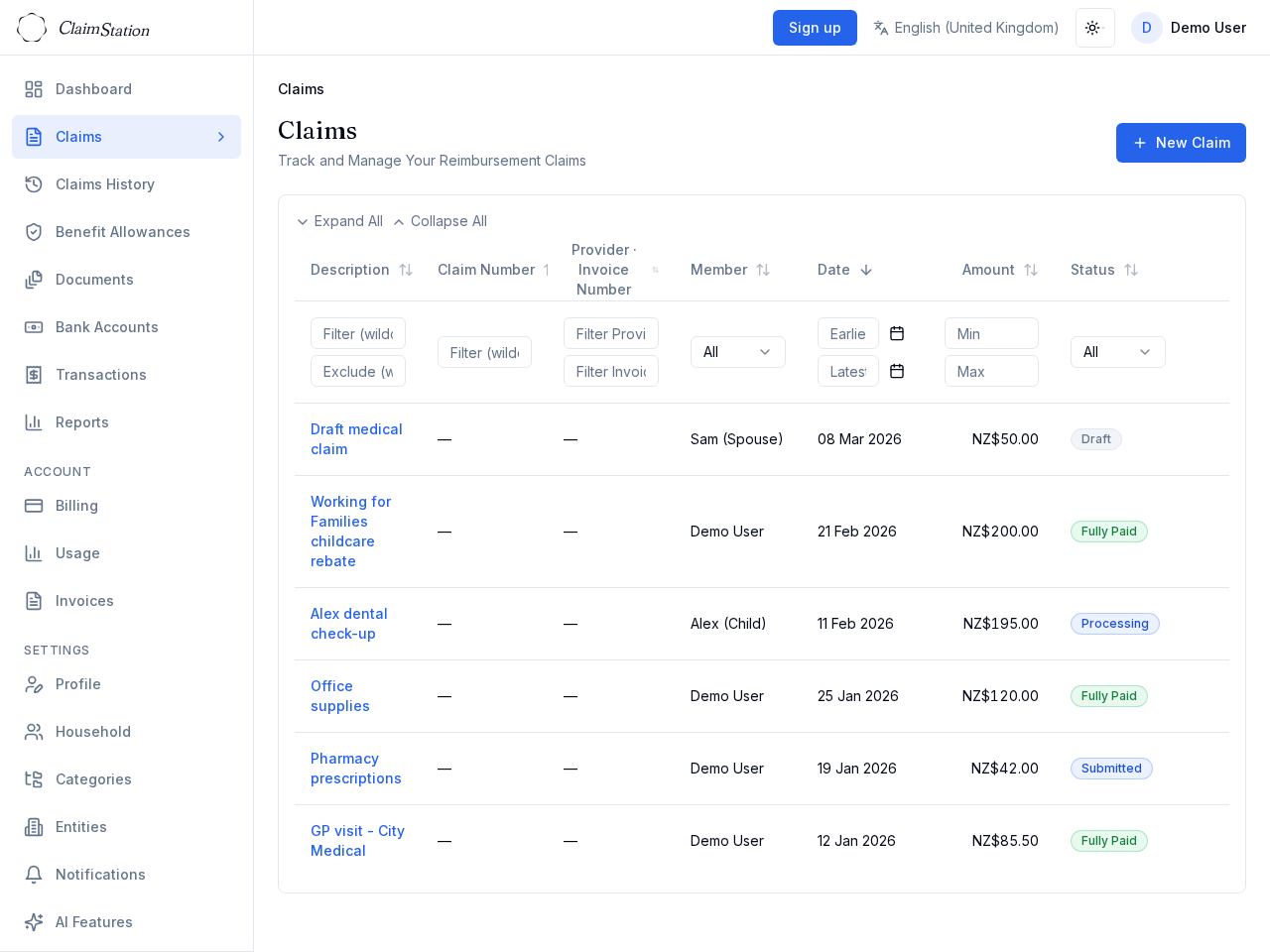
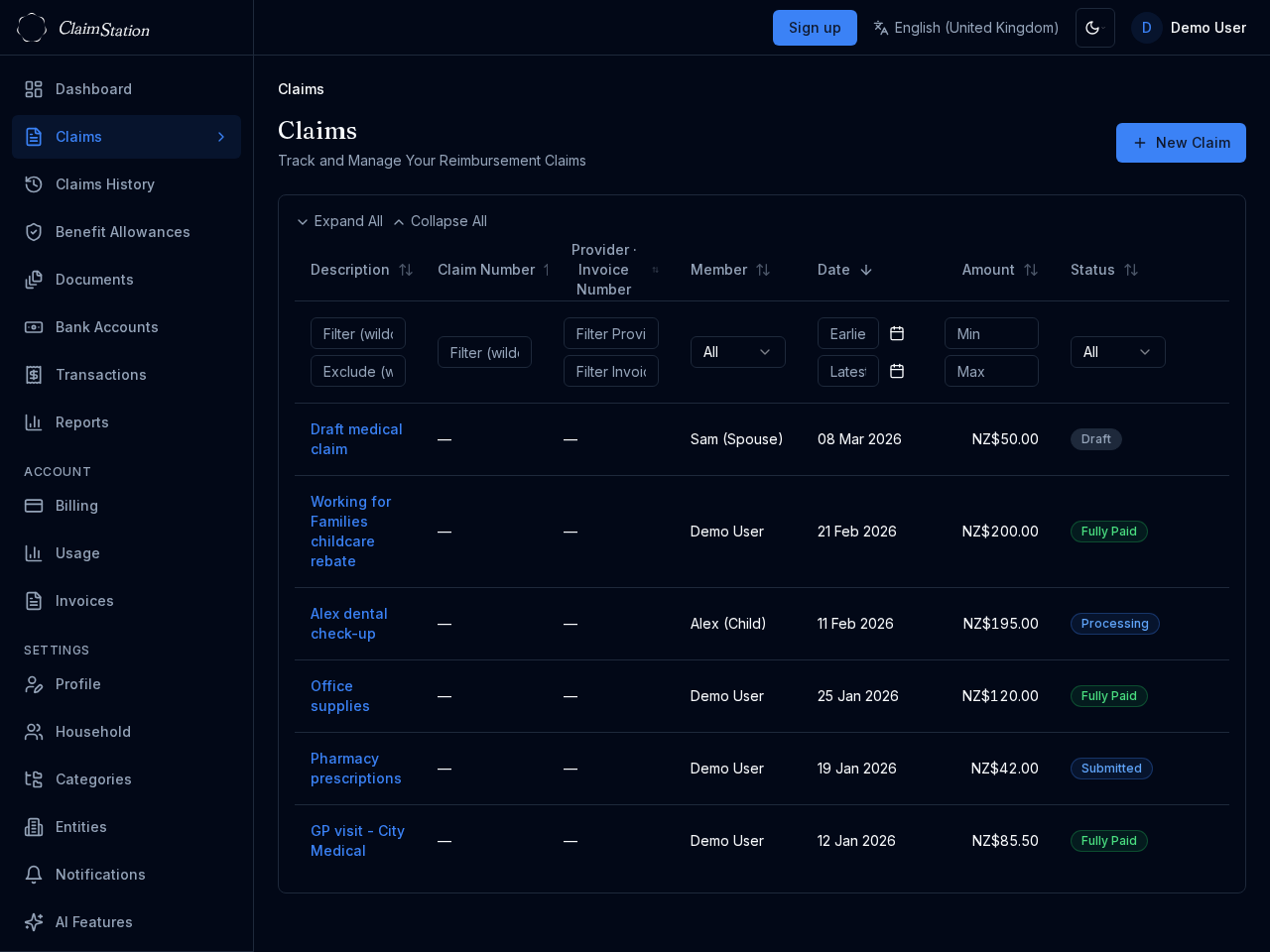
Create and track reimbursement claims with description, amount, category, and reimbursing entity. Move claims through statuses from draft to submitted, approved, or rejected.
Edit fields inline on the claim detail page. Attach documents and link bank transactions to show expenses and reimbursement payments. Filter and sort the claims list; use Previous/Next to move through claims without returning to the table.
Bank transaction import and matching
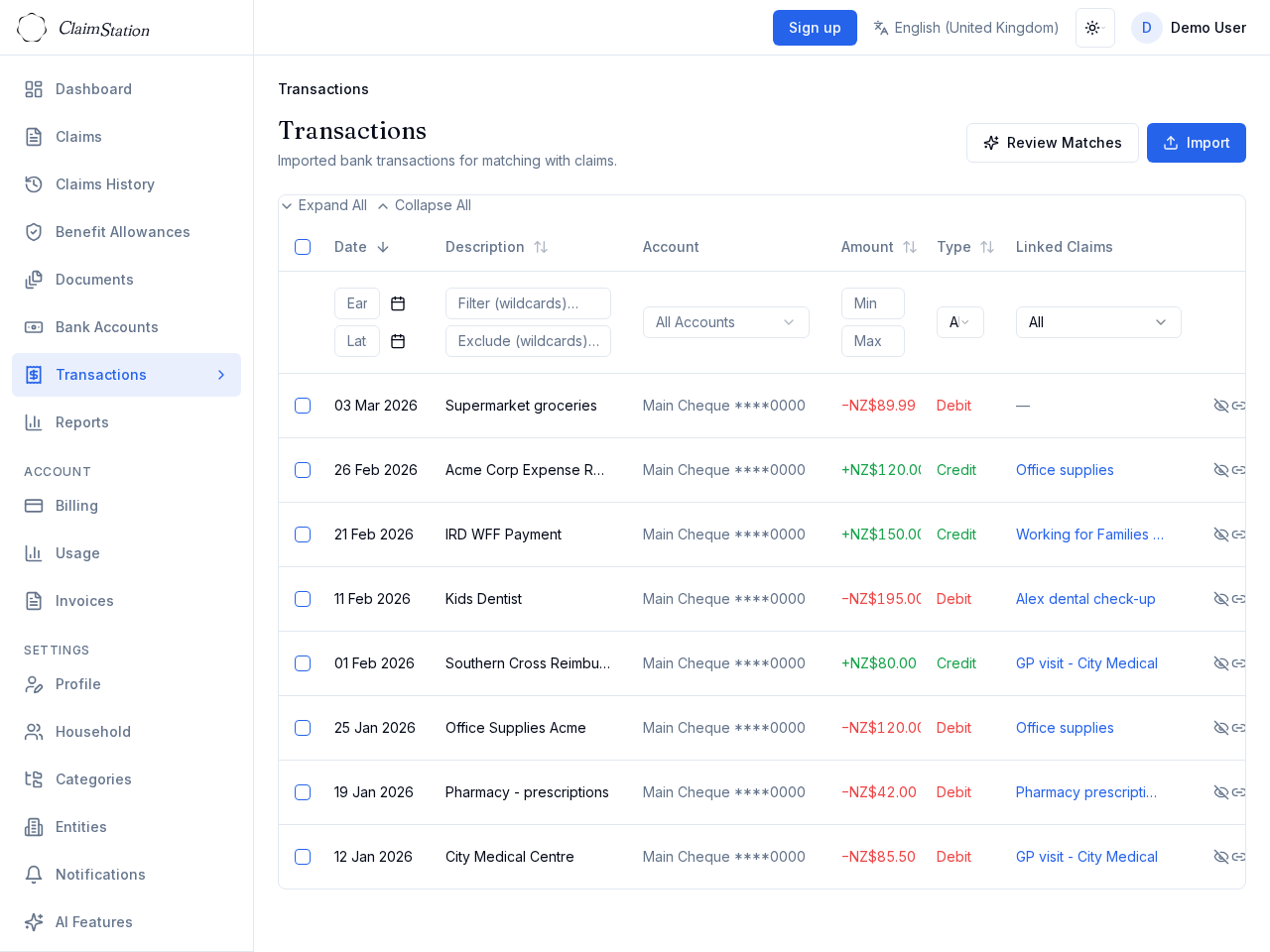
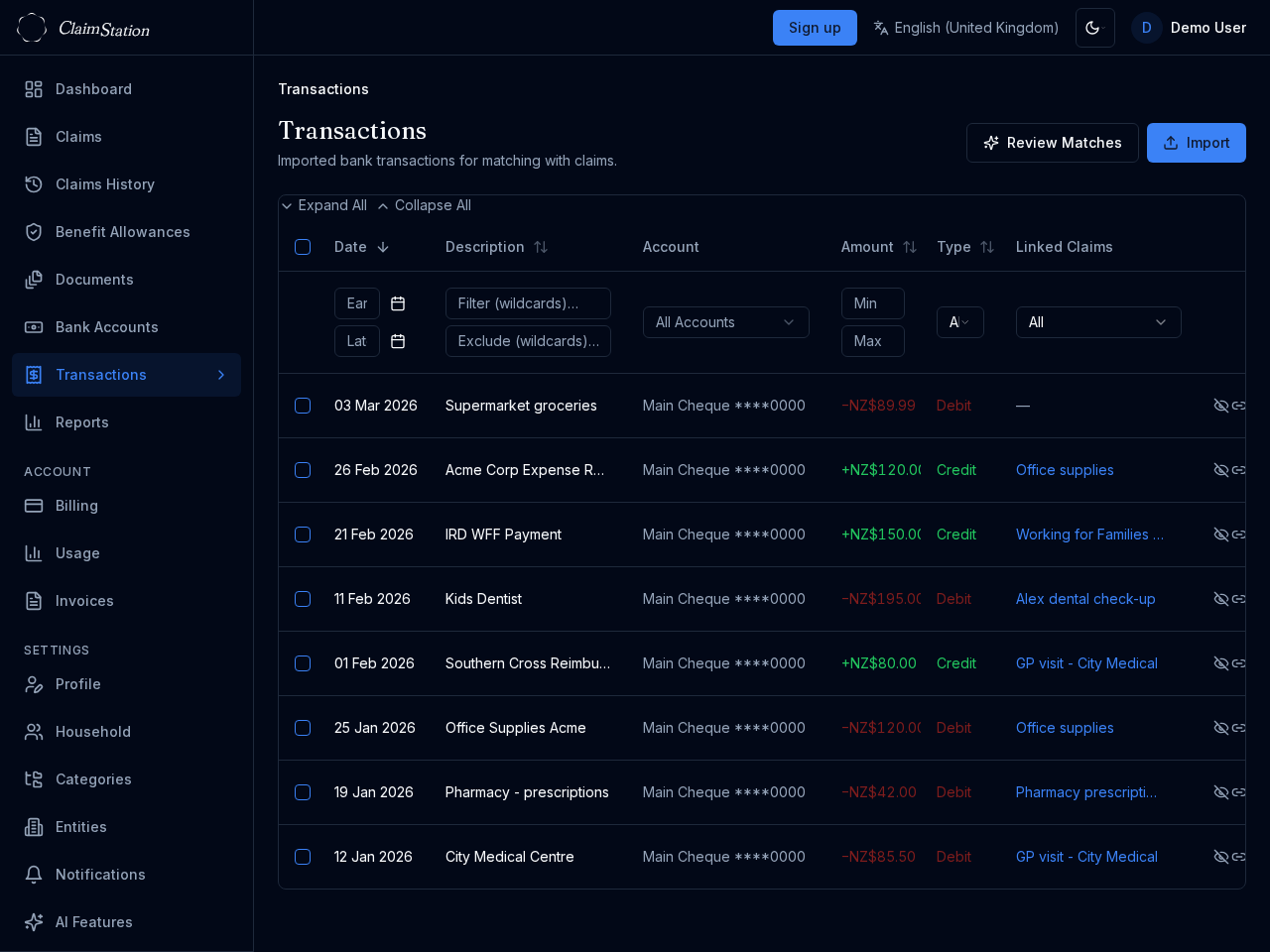
Import transactions from your bank via OFX files. The app detects duplicates and assigns transactions to the right bank account. Link transactions to claims as expenses or reimbursements.
Use the Review matches page to confirm or reject suggested matches. Create claims directly from transactions with one click. Bulk actions let you hide or create claims for selected rows.
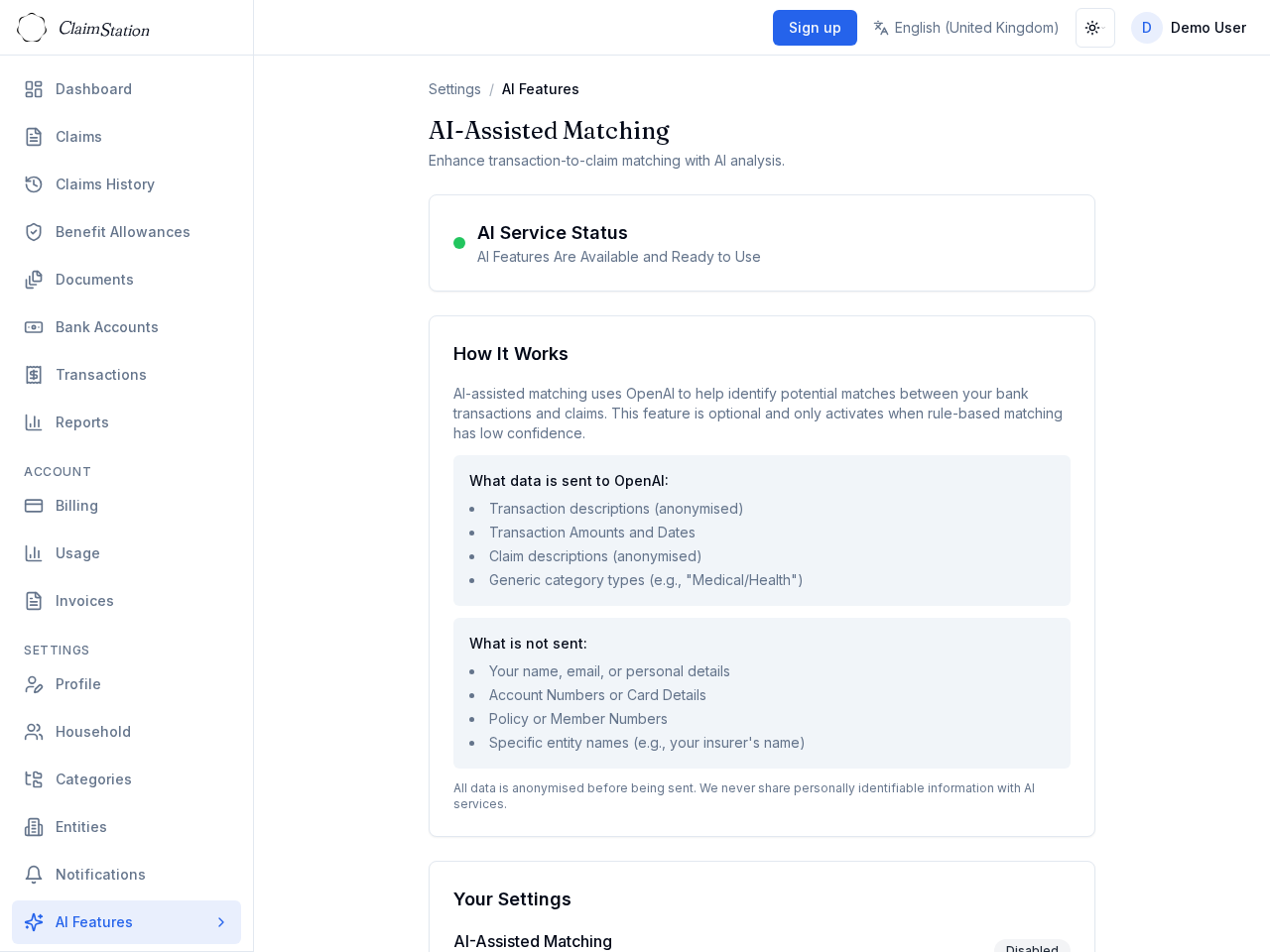
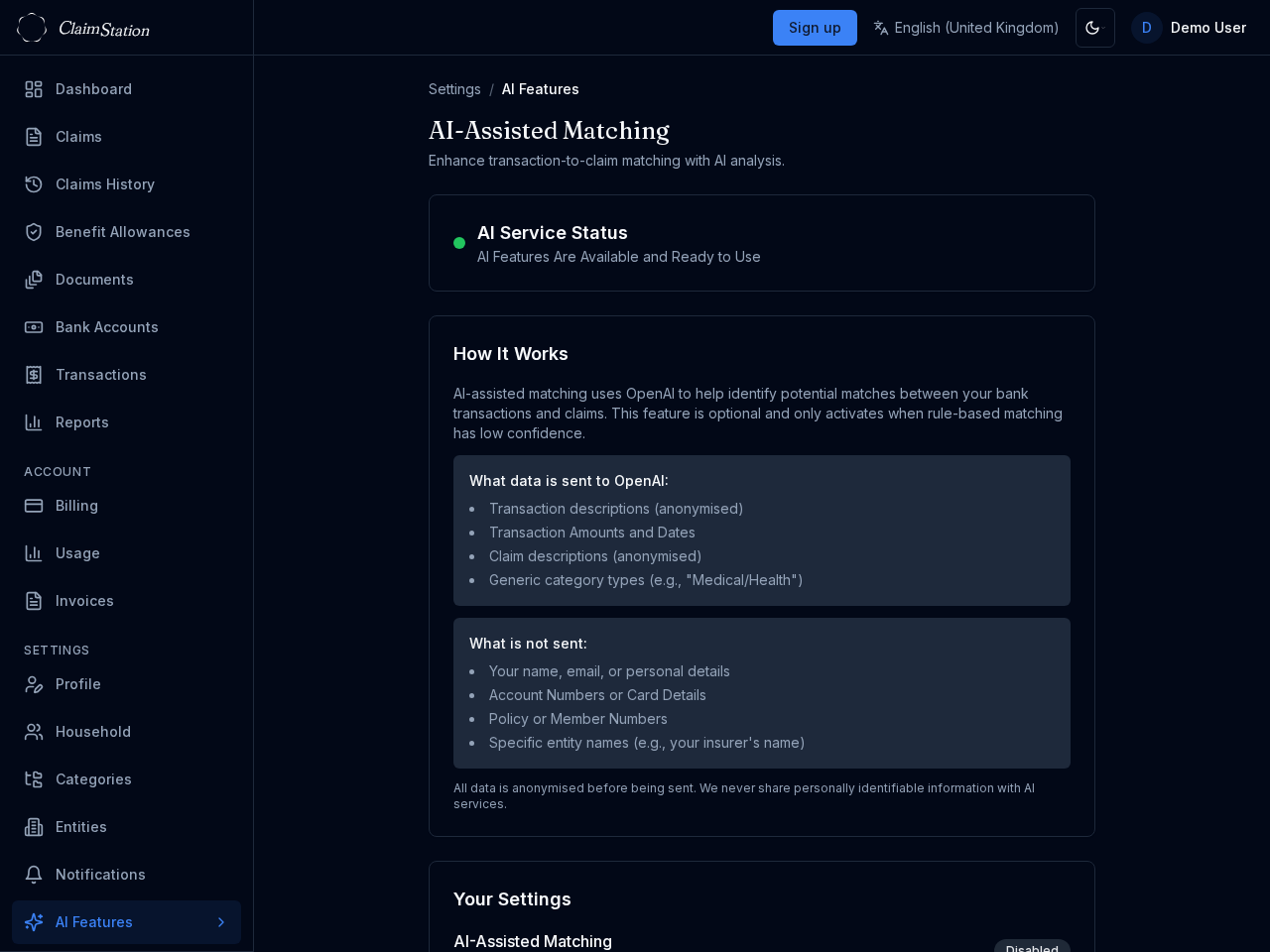
AI-assisted matching
Optional AI can improve match suggestions when the rule-based engine is uncertain. AI is off by default; when enabled, data is anonymised before it leaves ClaimStation. You always review and confirm — nothing is linked automatically.
Matching Intelligence learns from your confirm and reject actions to improve future suggestions. Learning is stored in your account and can be cleared at any time.
Household sharing and dependants
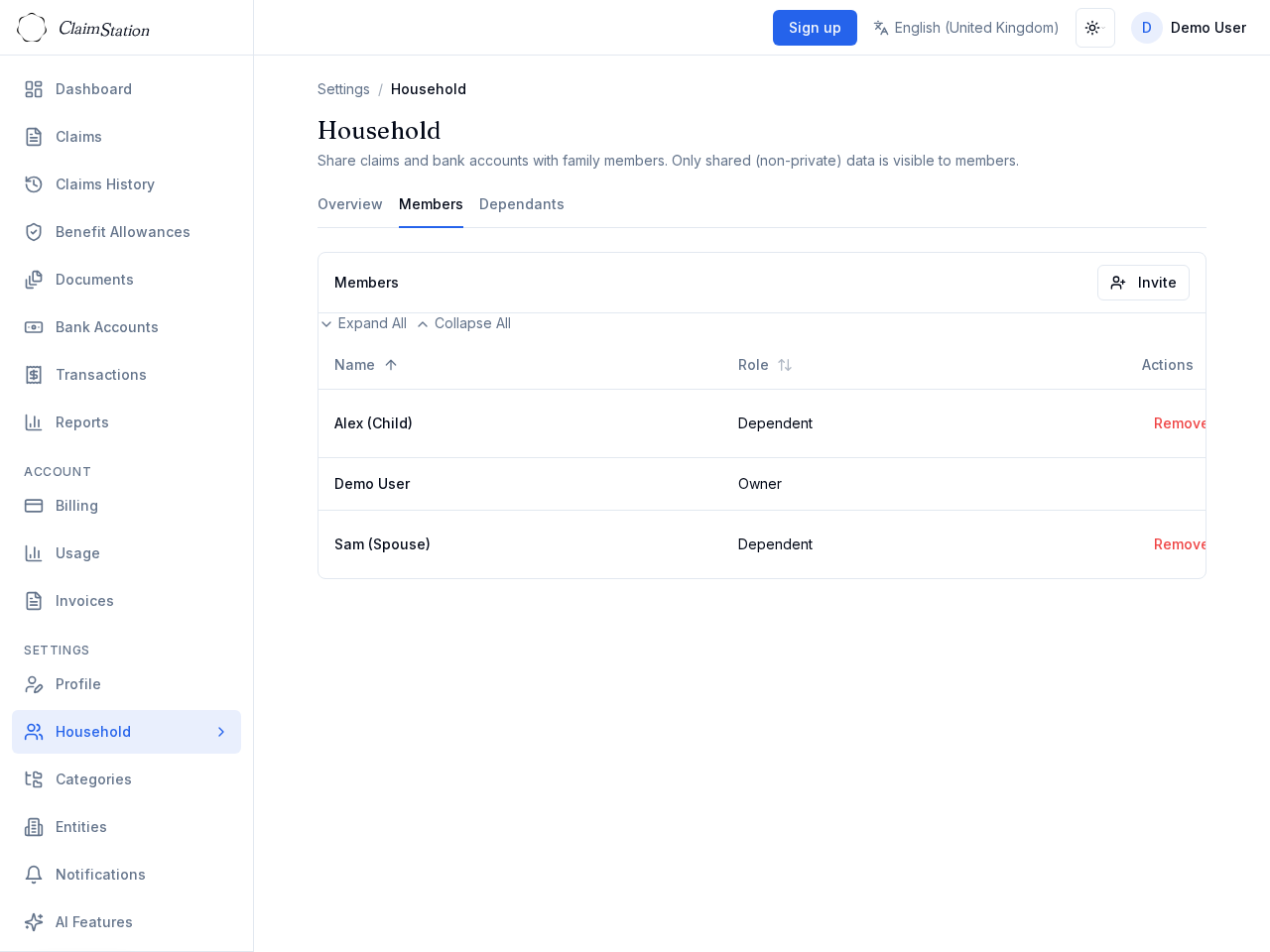
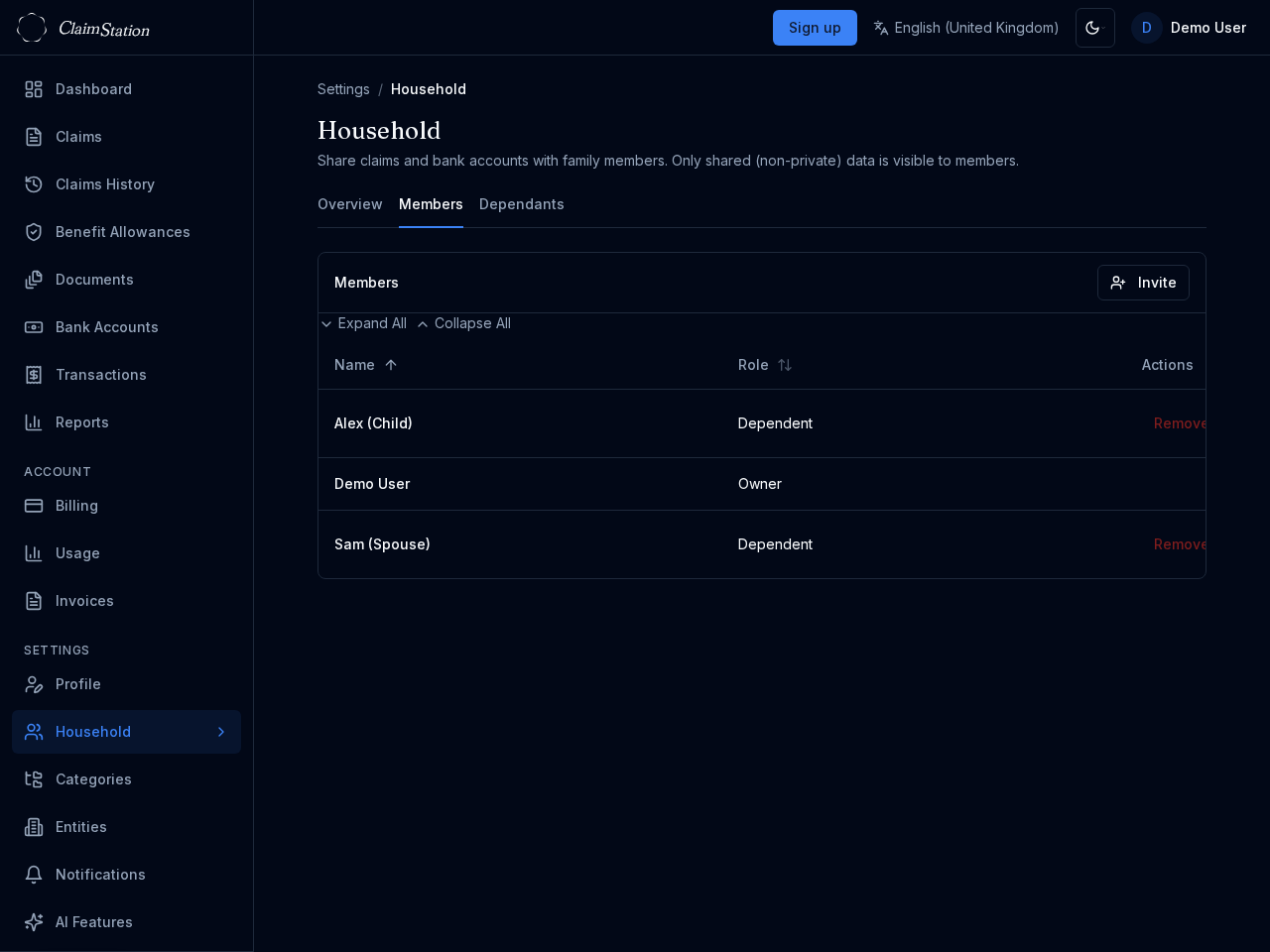
Create a household and invite family members by email. Non-private claims and bank accounts become visible to all members. Add dependants (e.g. children) who do not have their own account.
Assign claims to a beneficiary: yourself, another member, or a dependant. Track the whole family in one place. When a dependant later creates an account, link them to migrate their claim history.
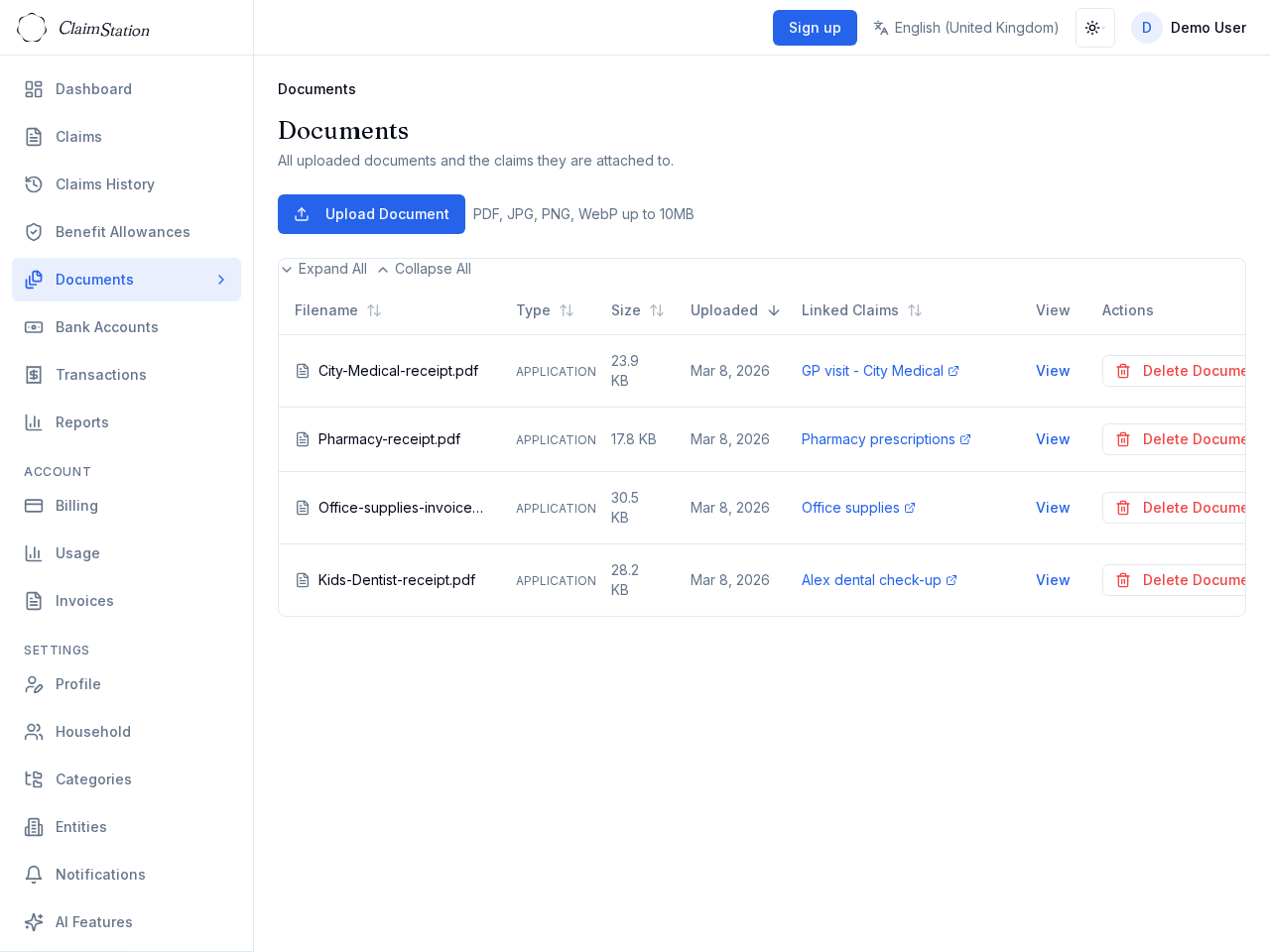
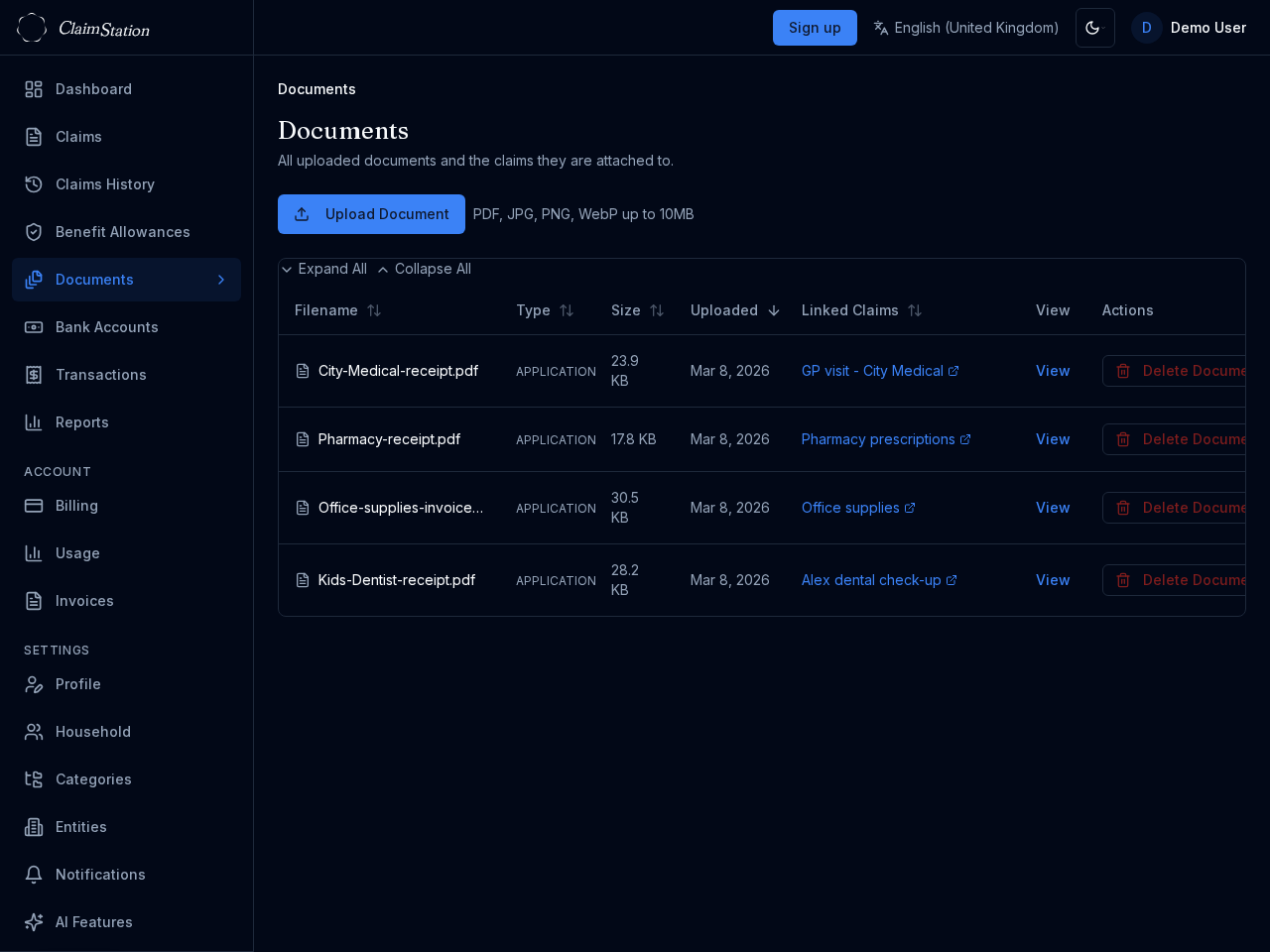
Documents and receipts
Attach receipts and supporting documents to claims. Files are stored securely and stay associated with the claim. Upload when creating or editing a claim.
Documents use credits from your balance. The app keeps your files organised and easy to find when you need them for follow-up or audits.
Benefit allowance tracking
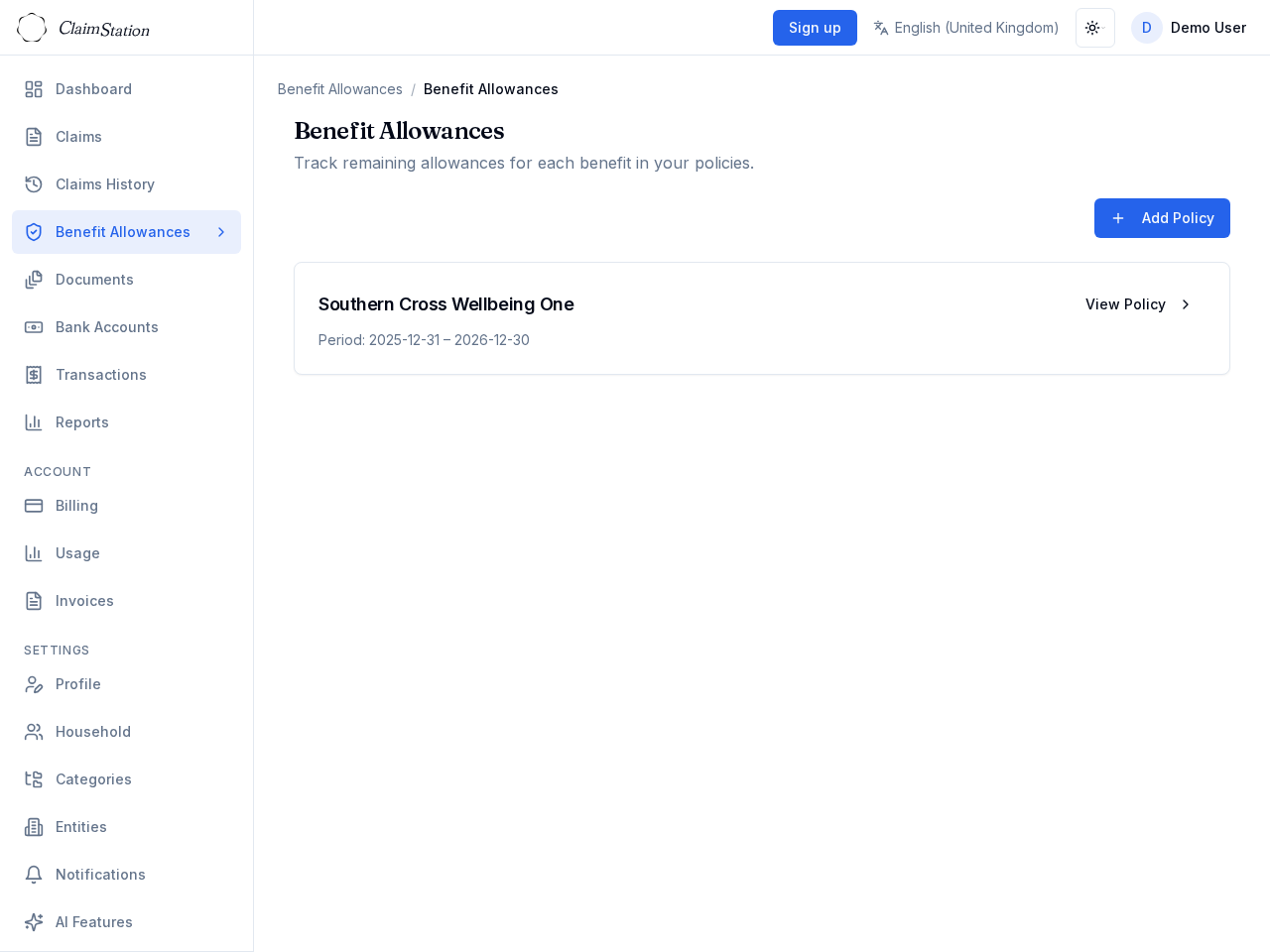
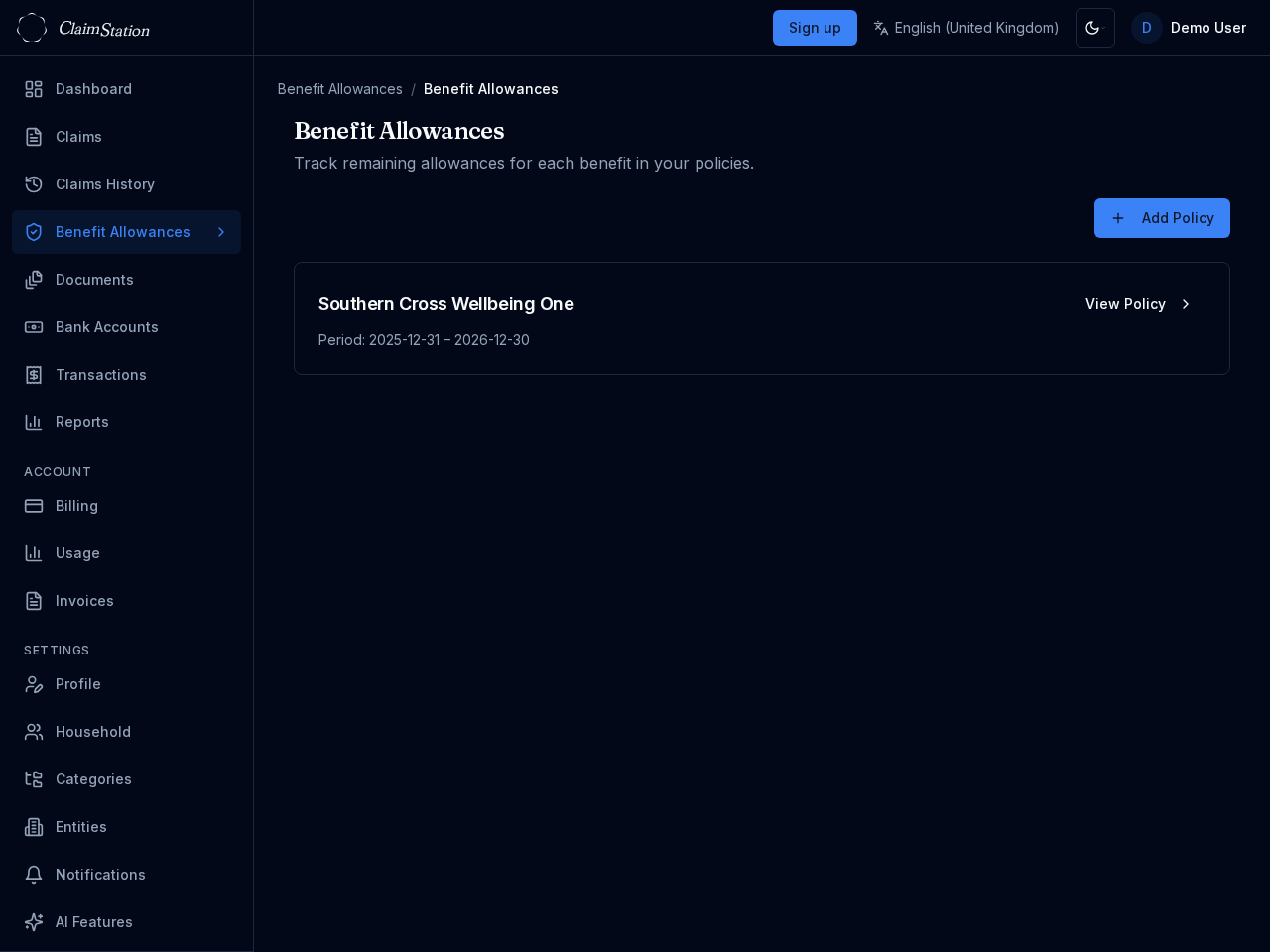
Upload a policy PDF and extract benefits in one go. ClaimStation parses the document and populates benefit types, limits, and periods.
See real-time remaining allowances per benefit. Track usage per member or use a shared pool where the policy allows. Stay on top of what is left before you claim.
Reports and dashboards
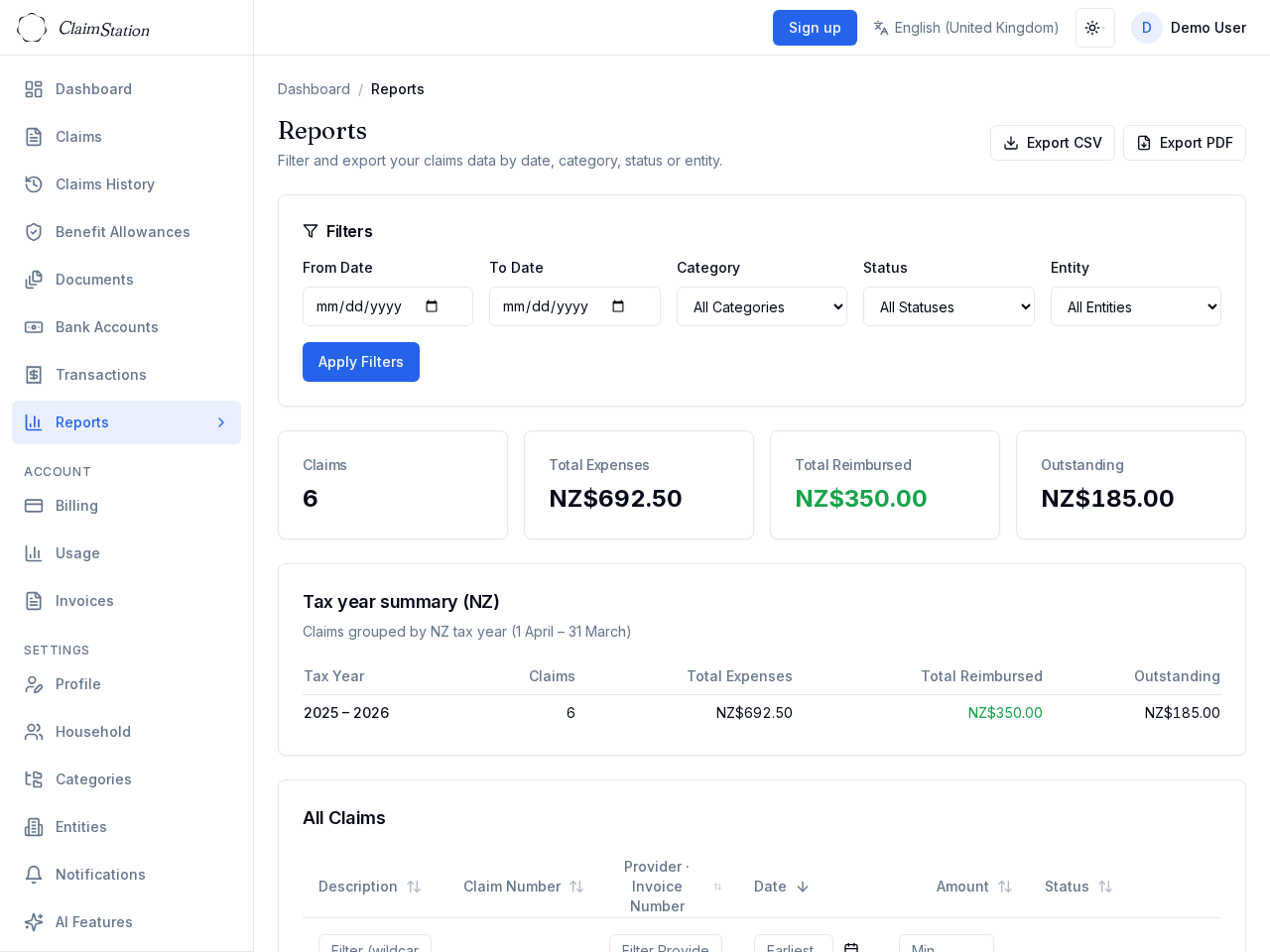
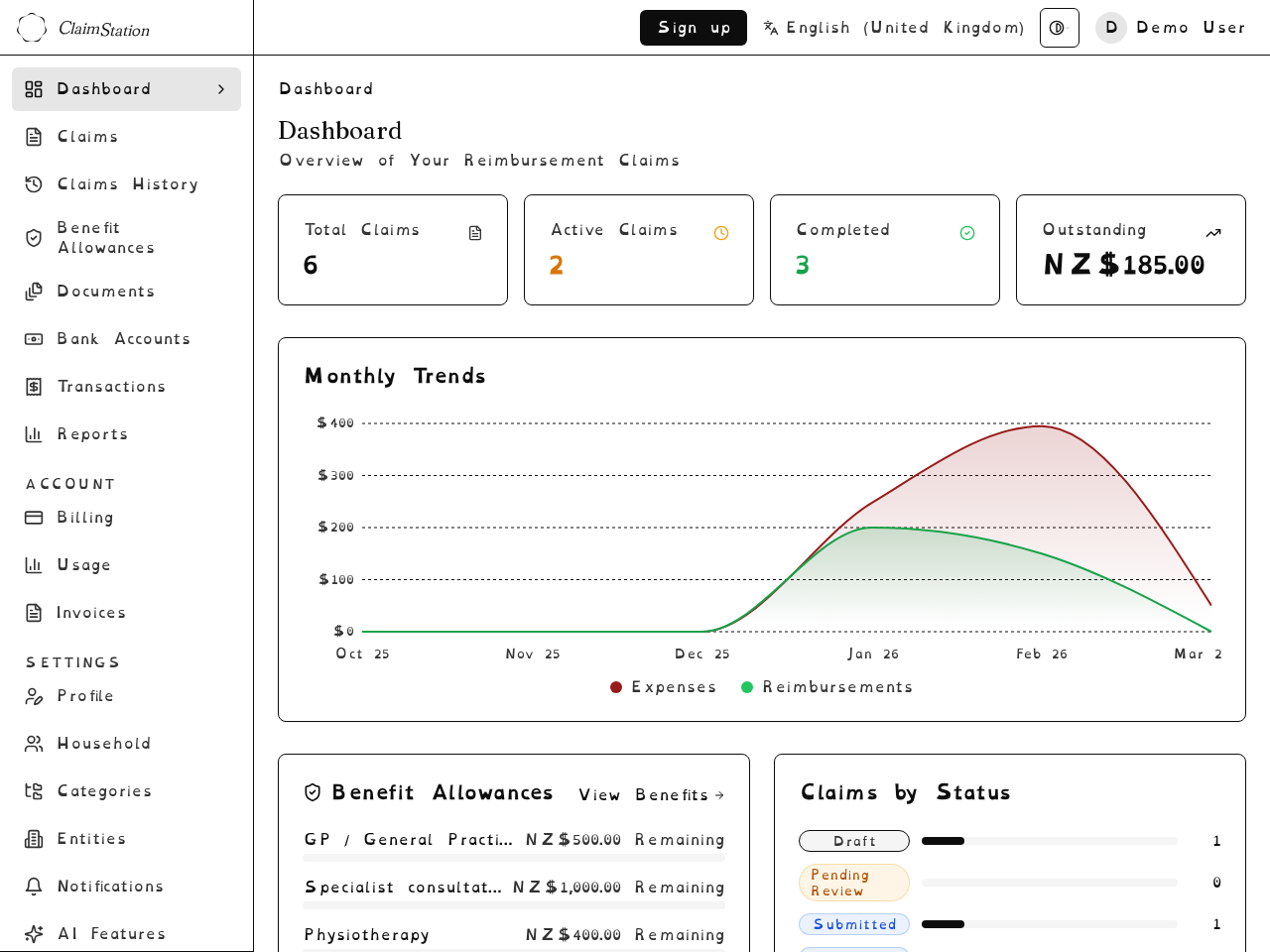
The dashboard shows an overview: total claims, status breakdown, how much you are still owed, and recent activity. Generate reports filtered by date range, category, status, or reimbursing entity.
Export data as CSV for records or tax purposes. A print-friendly report view is available for sharing or filing.
Accessibility
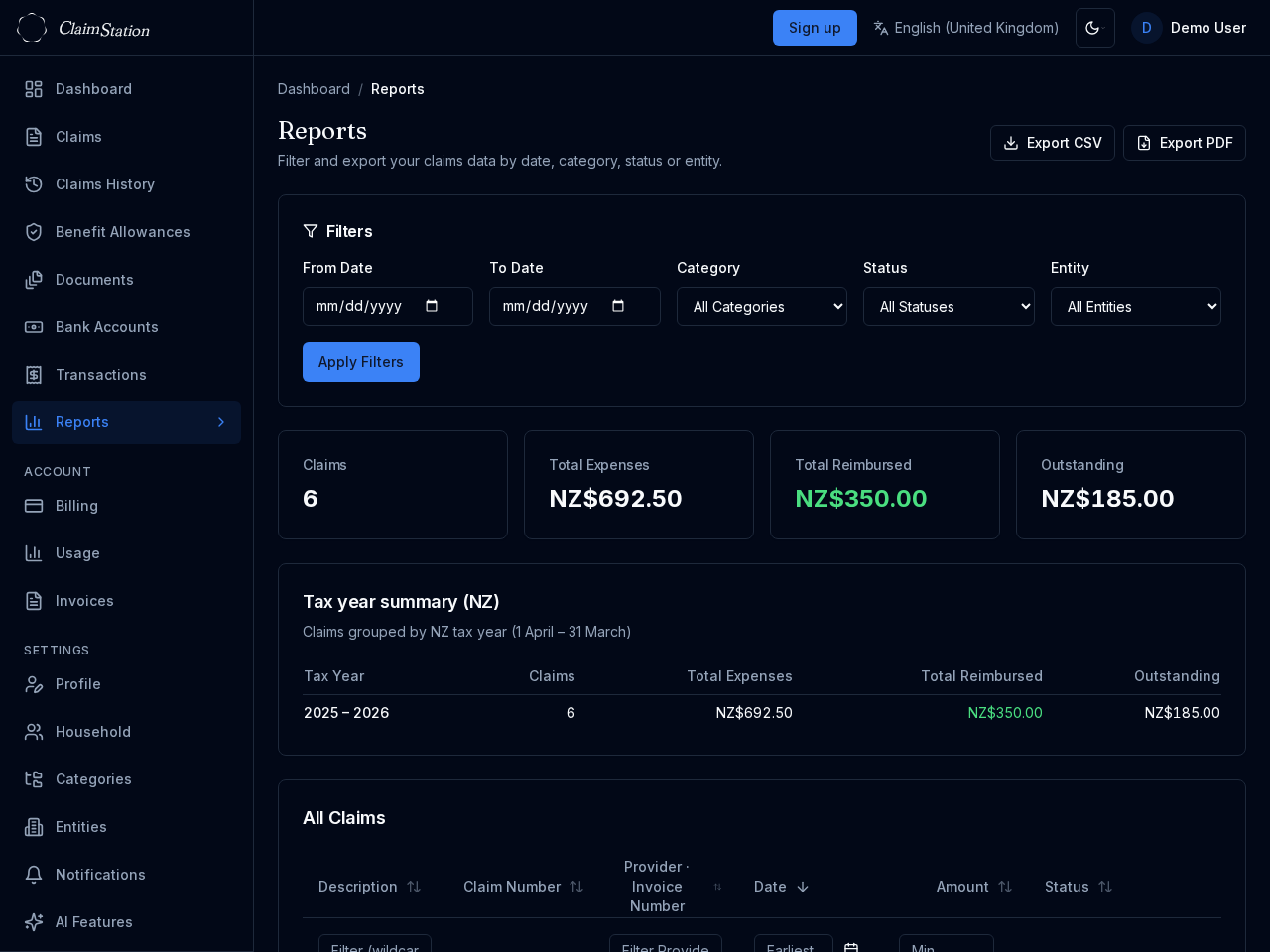
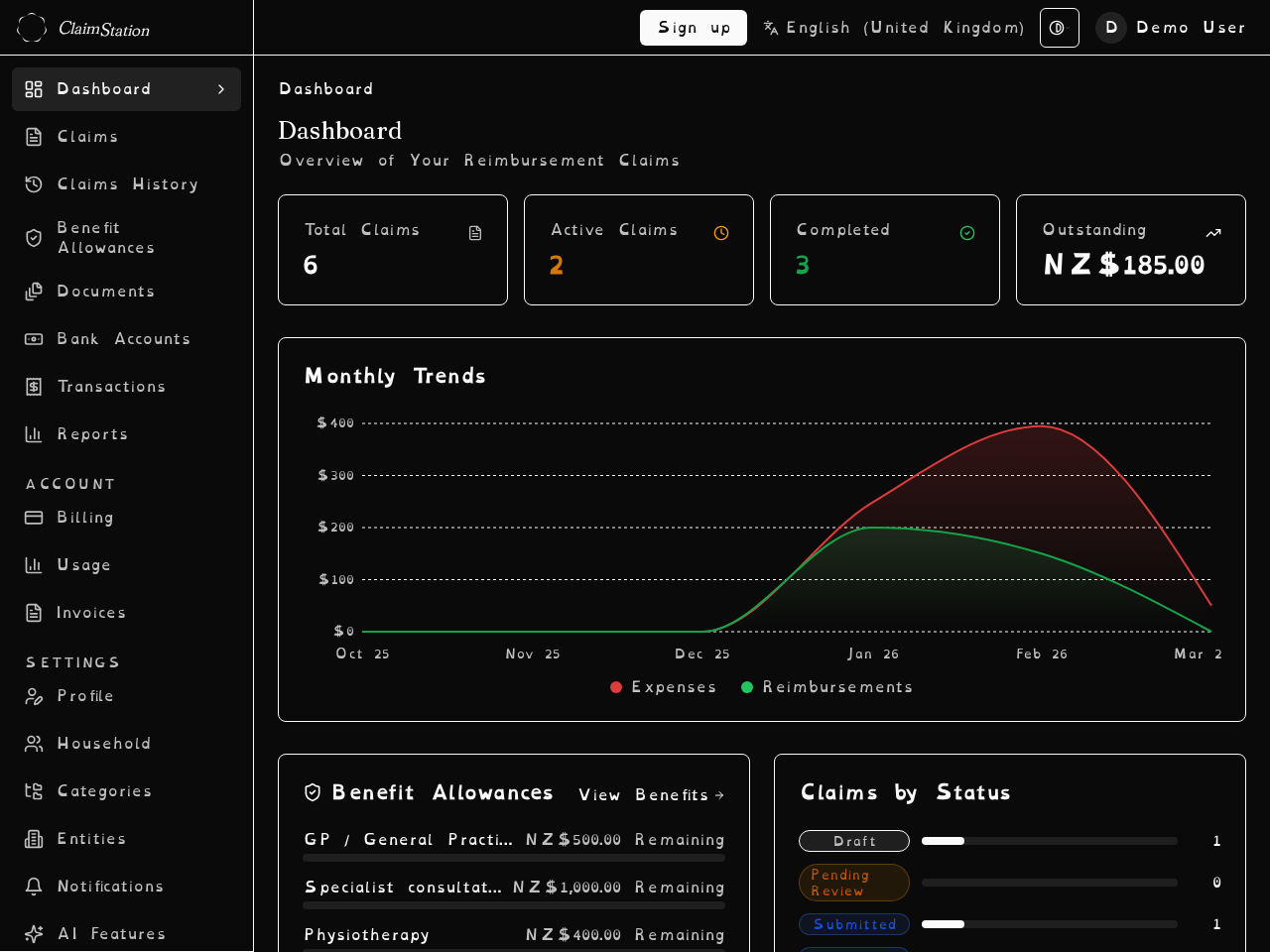
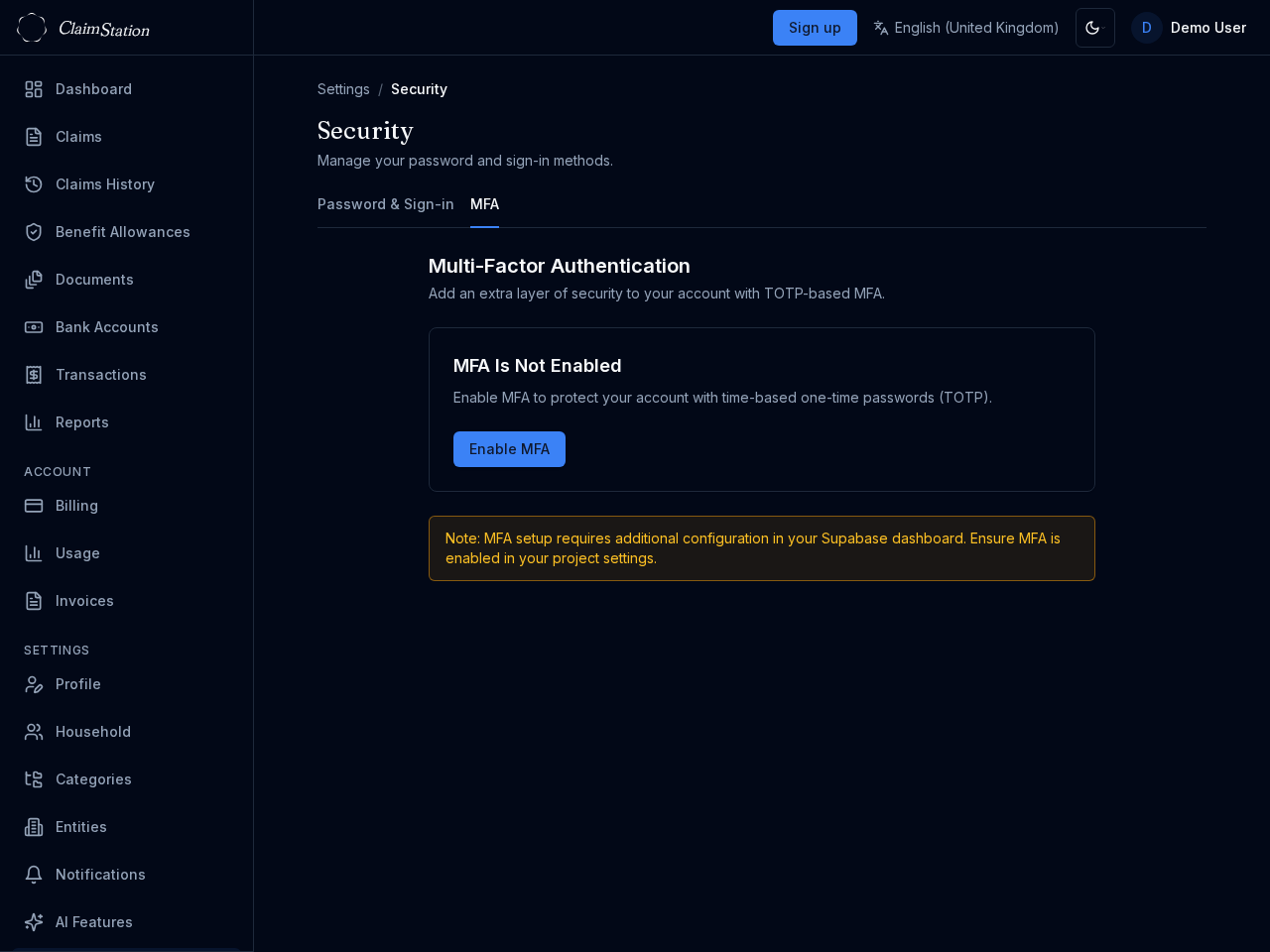
ClaimStation supports light, dark, and high-contrast themes. Choose the OpenDyslexic font in Profile settings for improved readability if you have dyslexia.
The app is available in English (with NZ, UK, US variants), Dutch, German, and Spanish (Latin America), with more planned. Tables support sorting, filtering, and keyboard-friendly navigation.
Developer API and webhooks
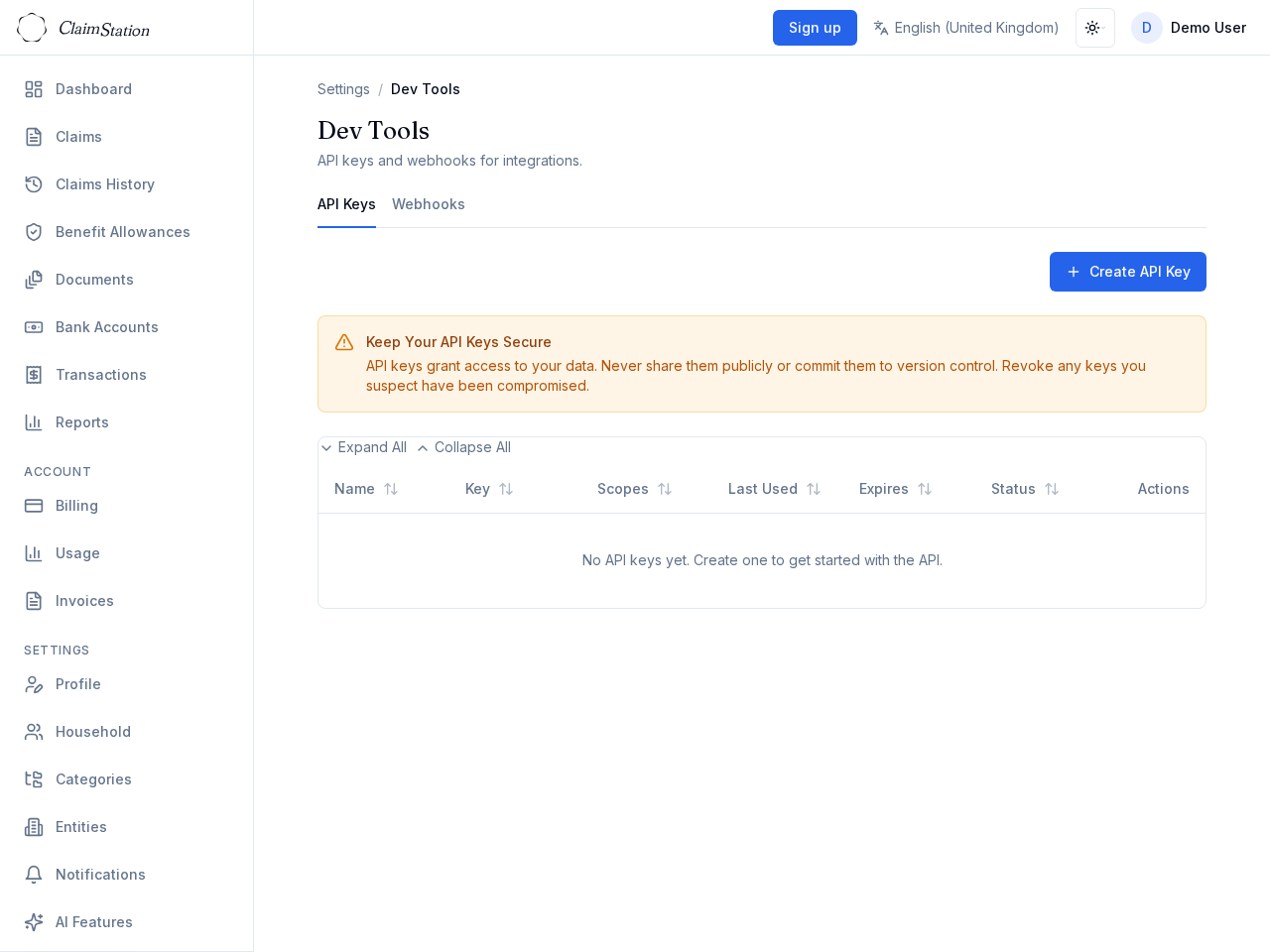
Integrate with ClaimStation using the public API. Manage API keys in Settings → Dev Tools. Keys are stored hashed for security.
Configure webhooks to receive events when claims or transactions change. Build automation or sync with your own tools.
Multi-currency support
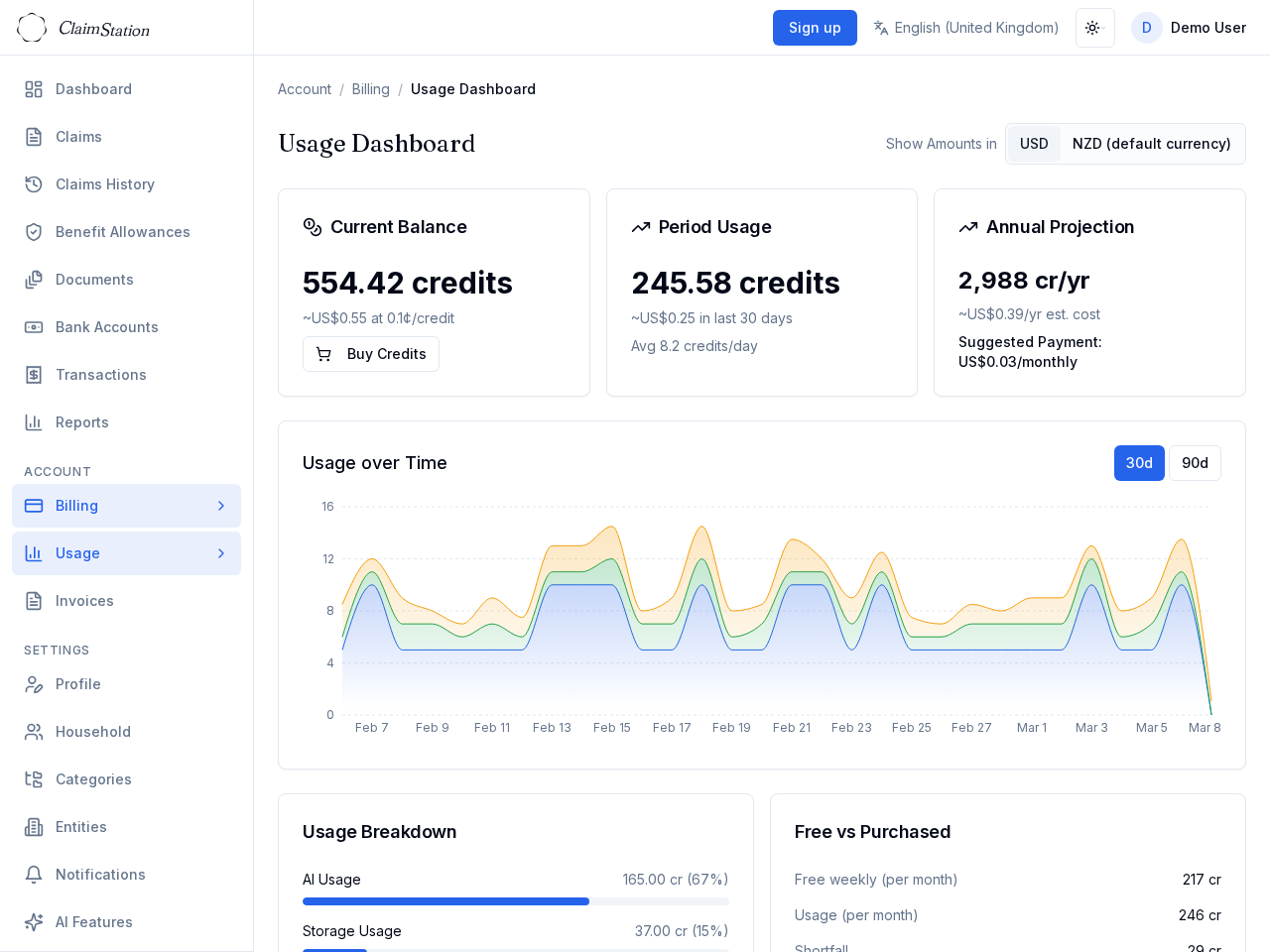
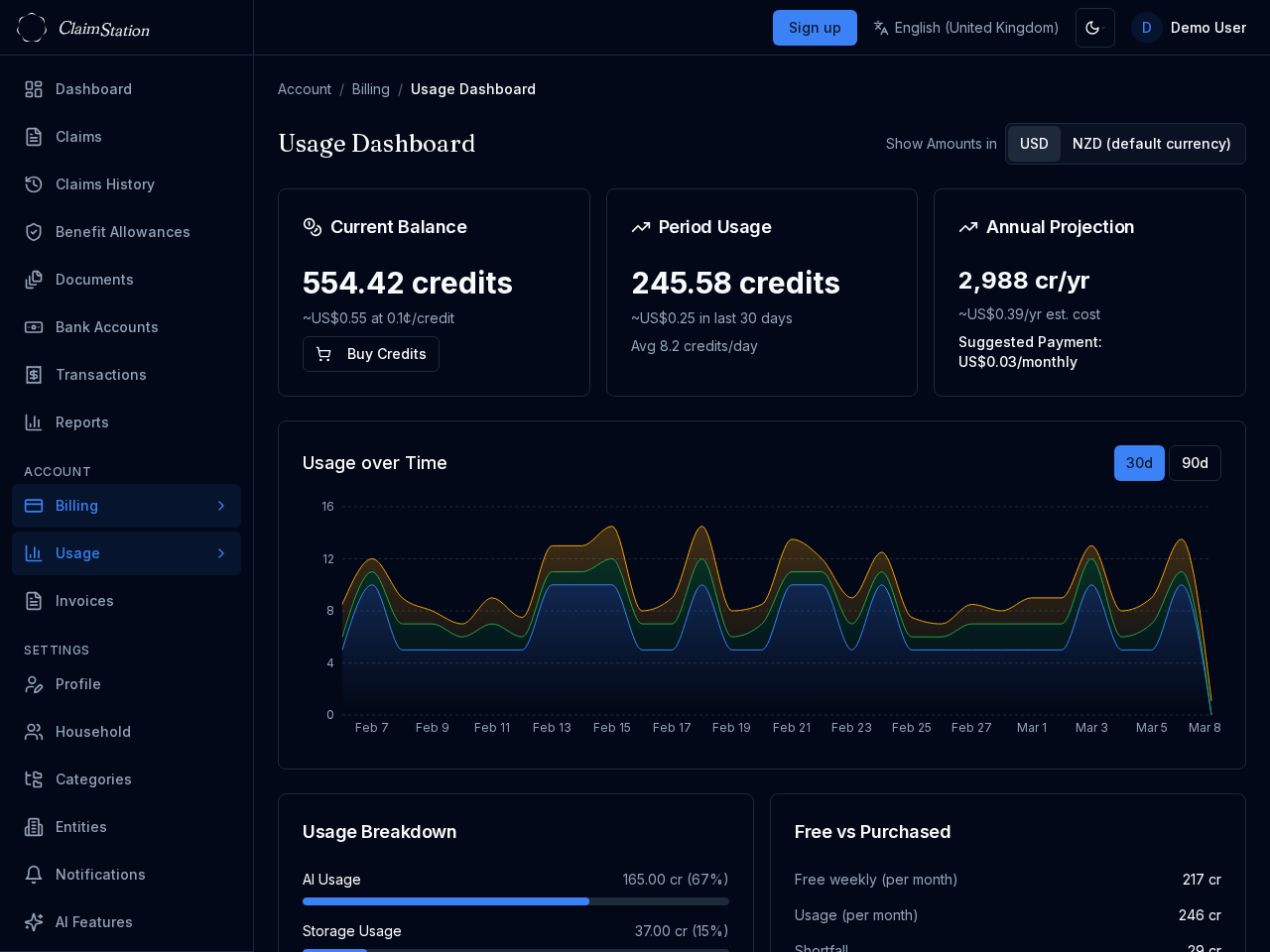
Set your default currency in Profile. Claims and transactions can use different currencies. The usage dashboard and billing can show amounts in your local currency alongside USD.
Bank accounts
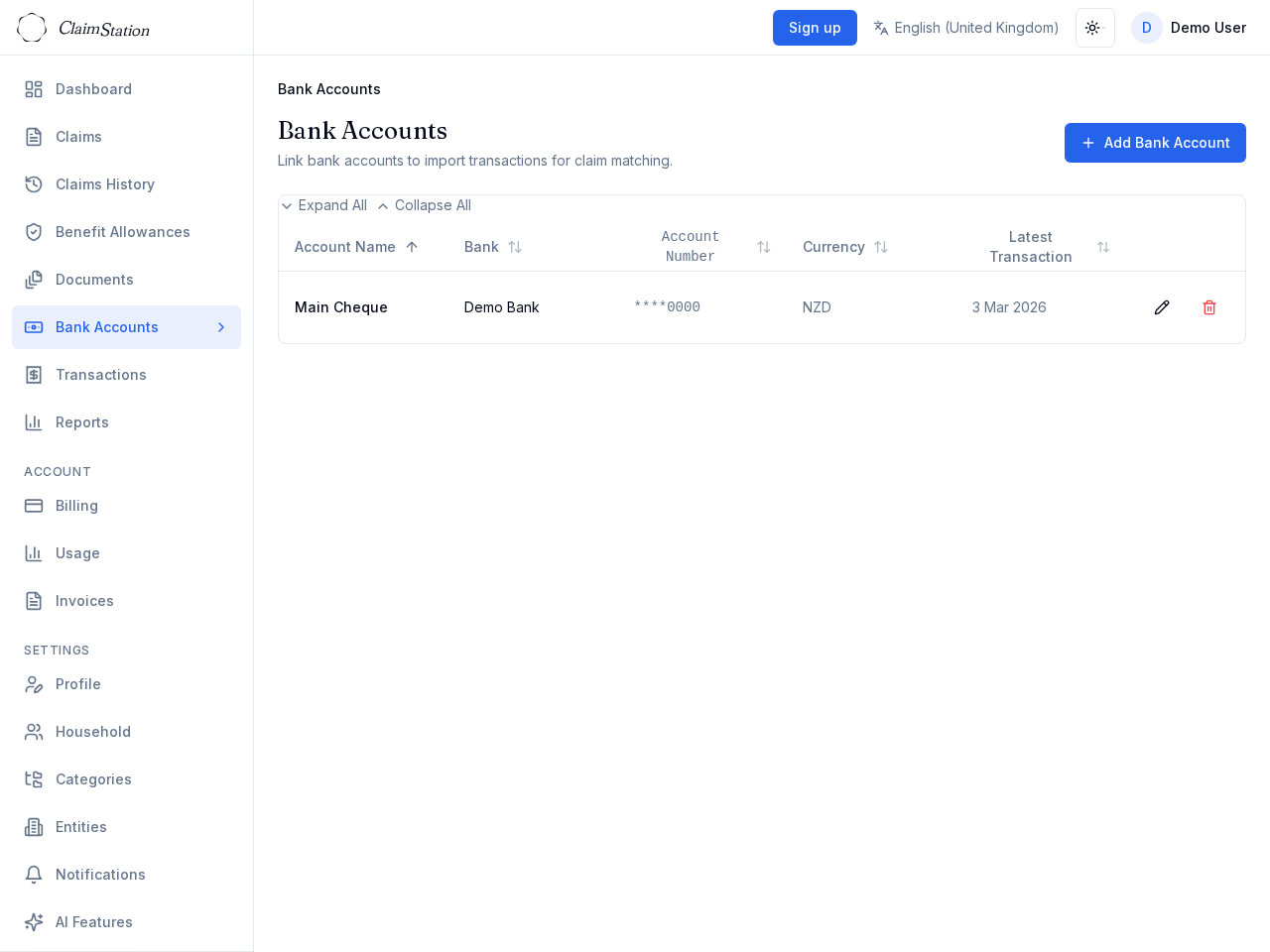
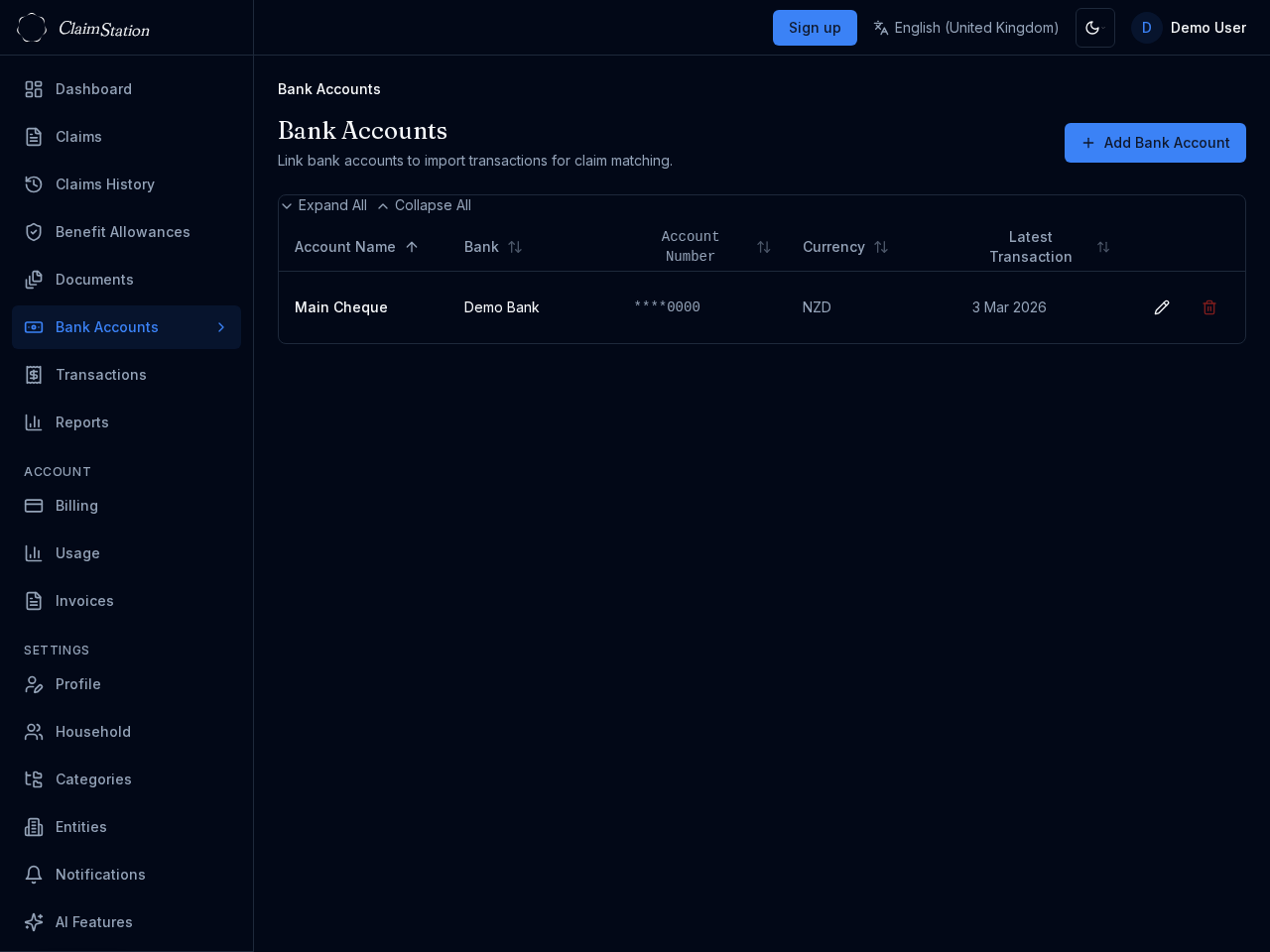
Add one or more bank accounts to organise your transactions. Import OFX files per account; the app detects duplicates and keeps everything in sync.
Link transactions to claims as expenses or reimbursements. See which transactions are matched and which need attention.
Categories and reimbursing entities
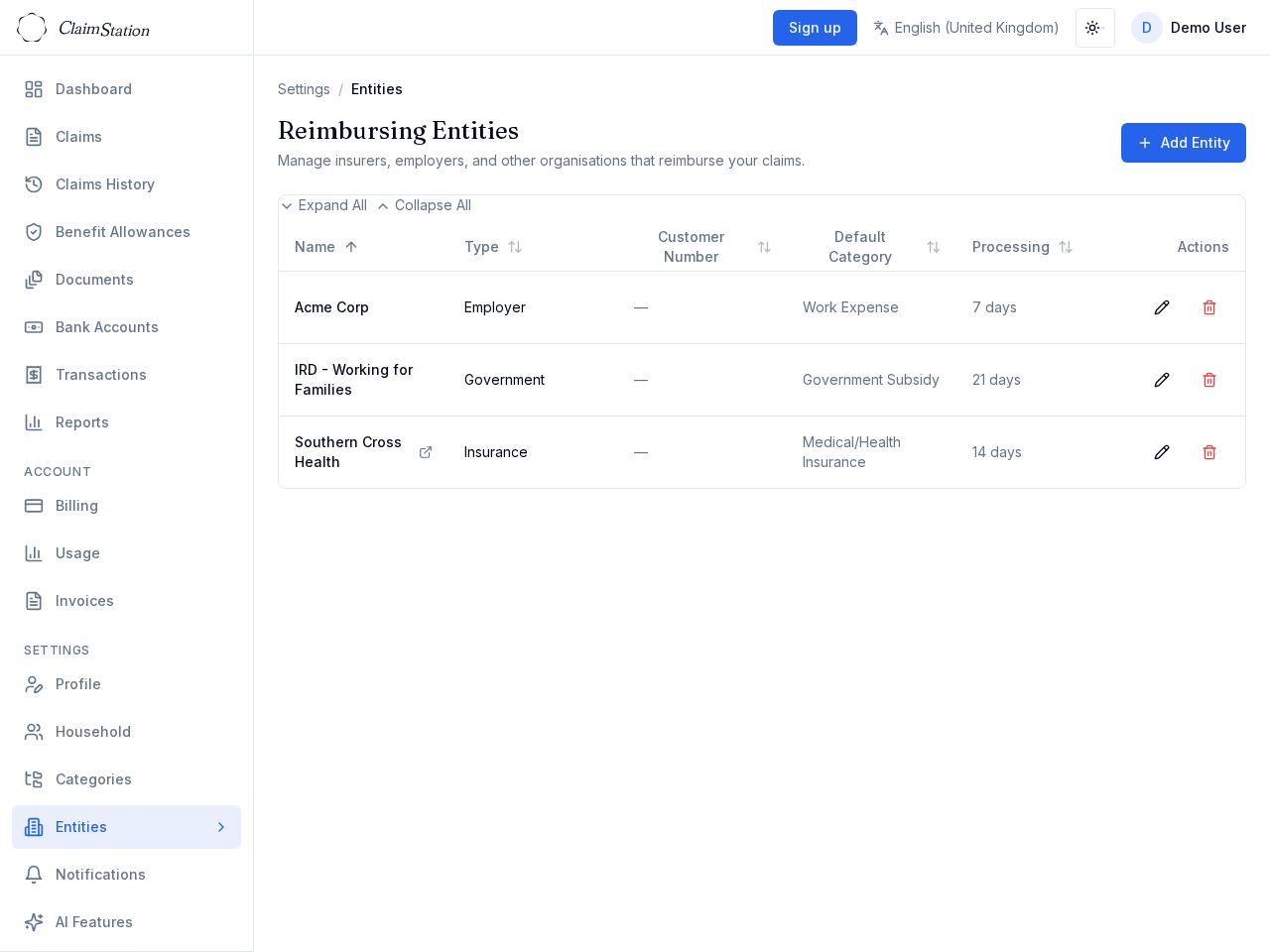
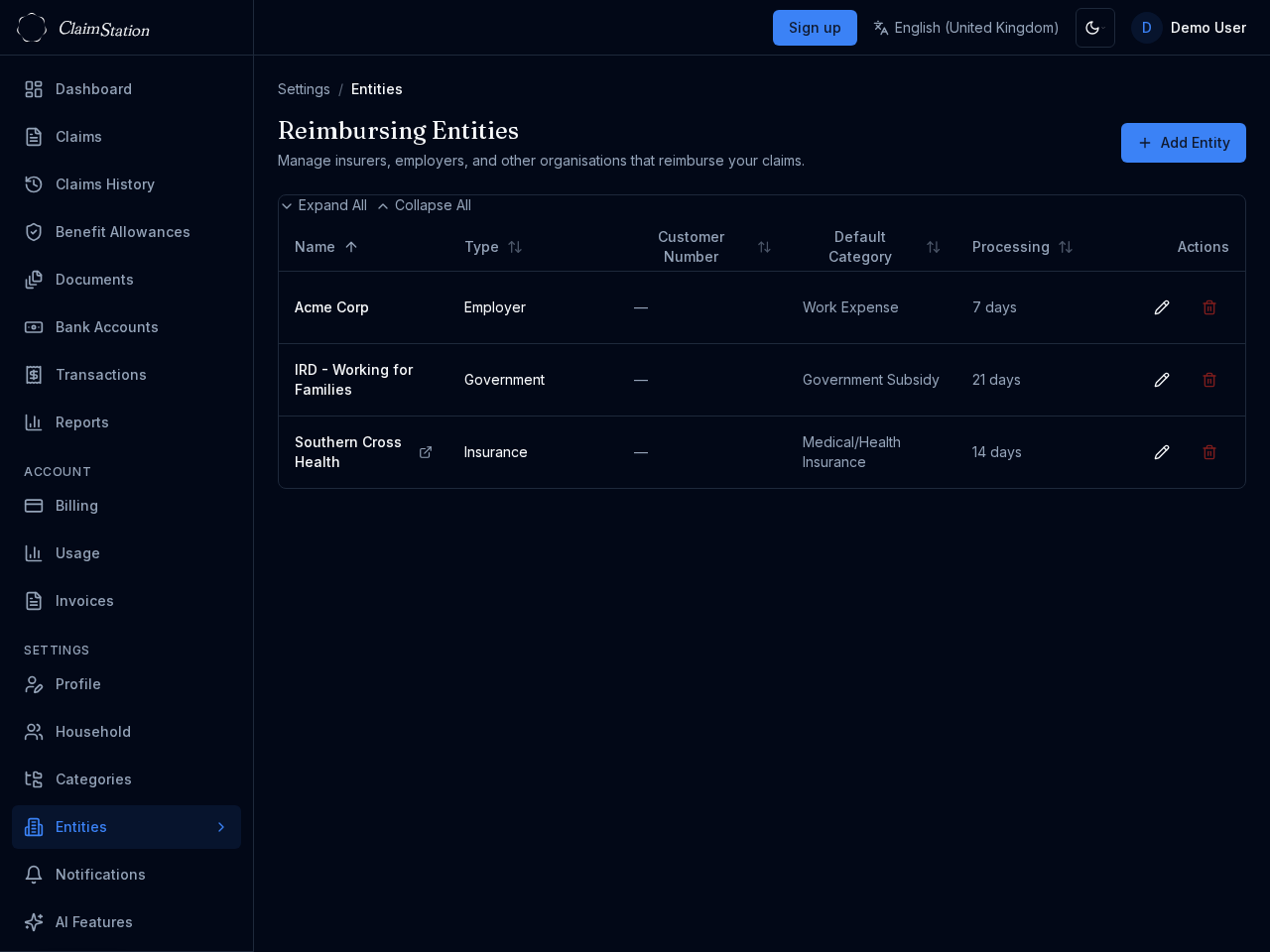
Define custom categories for your claims (e.g. medical, travel, equipment). Create reimbursing entities (insurers, employers, government agencies) to track who pays what.
Filter and sort by category or entity. Keep your data organised and easy to report on.
Security and sign-in
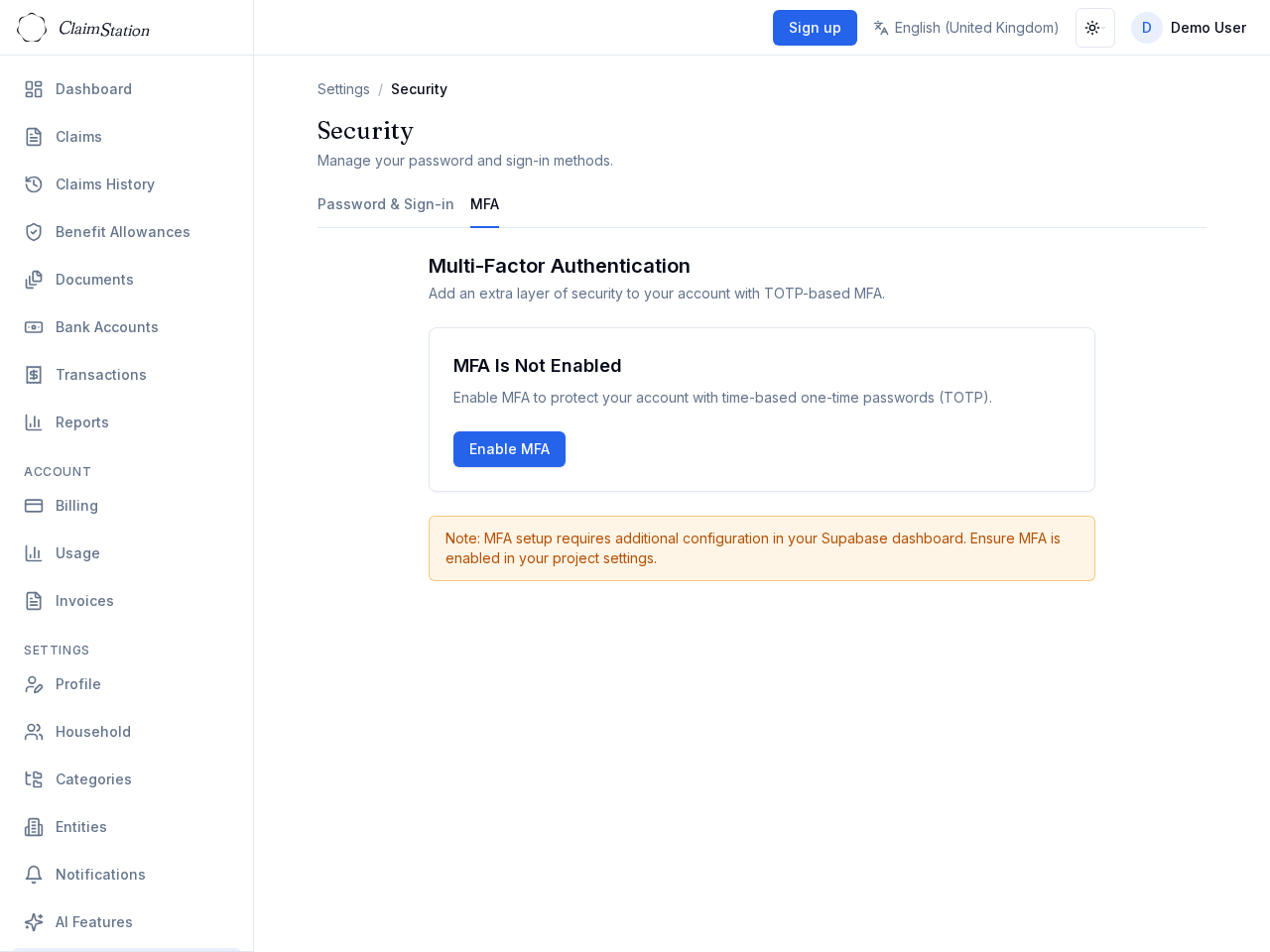
Sign in with email and password, or use a trusted provider. Enable MFA (TOTP) for an extra layer of security. Recovery codes help you regain access if you lose your device.
Your credentials are stored securely. ClaimStation supports password sign-in and optional two-factor authentication.
Help and support
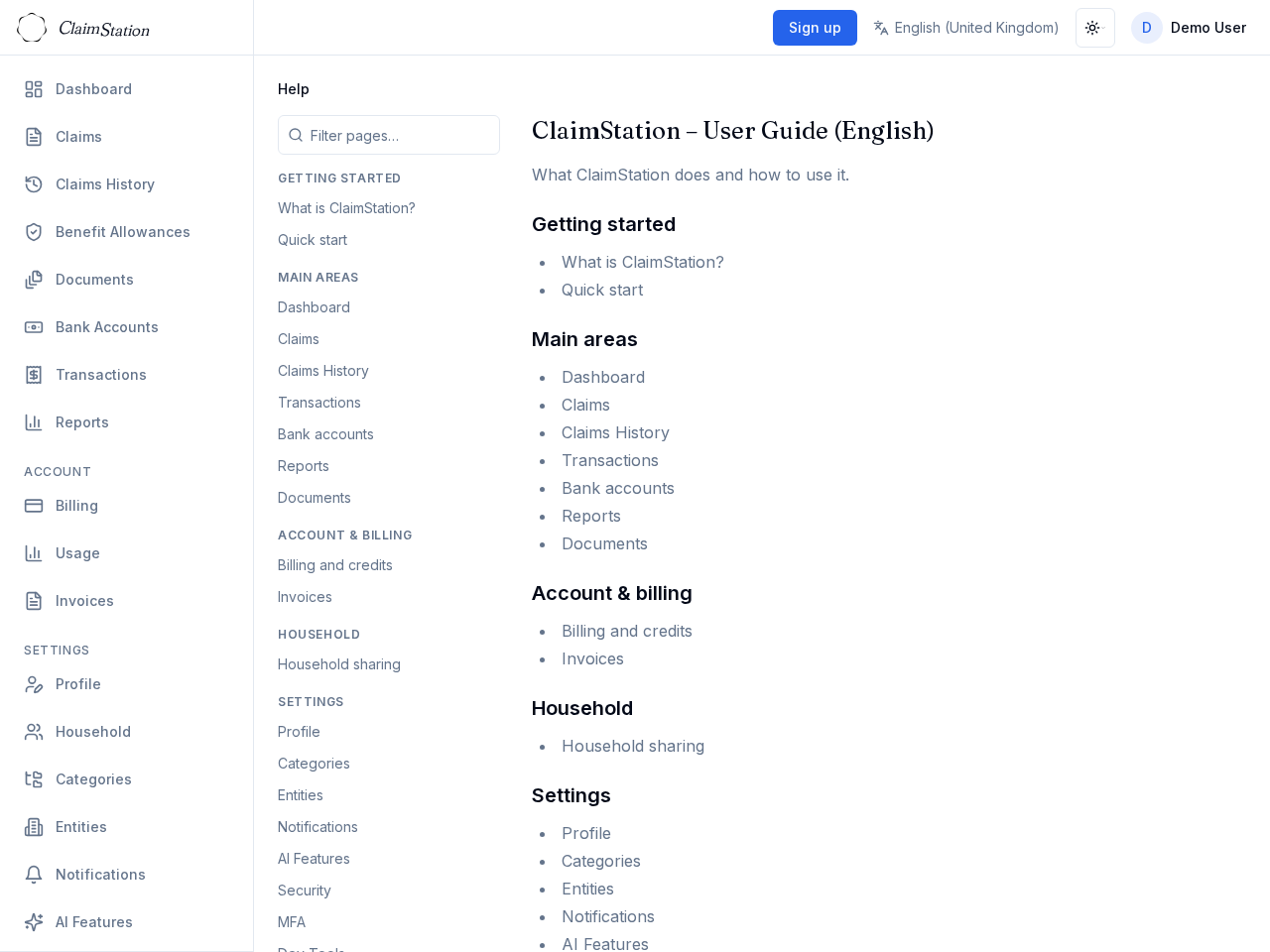
Browse the in-app documentation for guides and how-tos. Use Support → Feedback to send a message — we read every one.
Find answers quickly and get in touch when you need help.
Get started
Sign in or create an account at ClaimStation. No installation — it runs in your browser.